Manage groups
Groups let administrators manage a collection of users and assign organization roles to the group. Open Users → Groups at /users/groups.
Create and edit
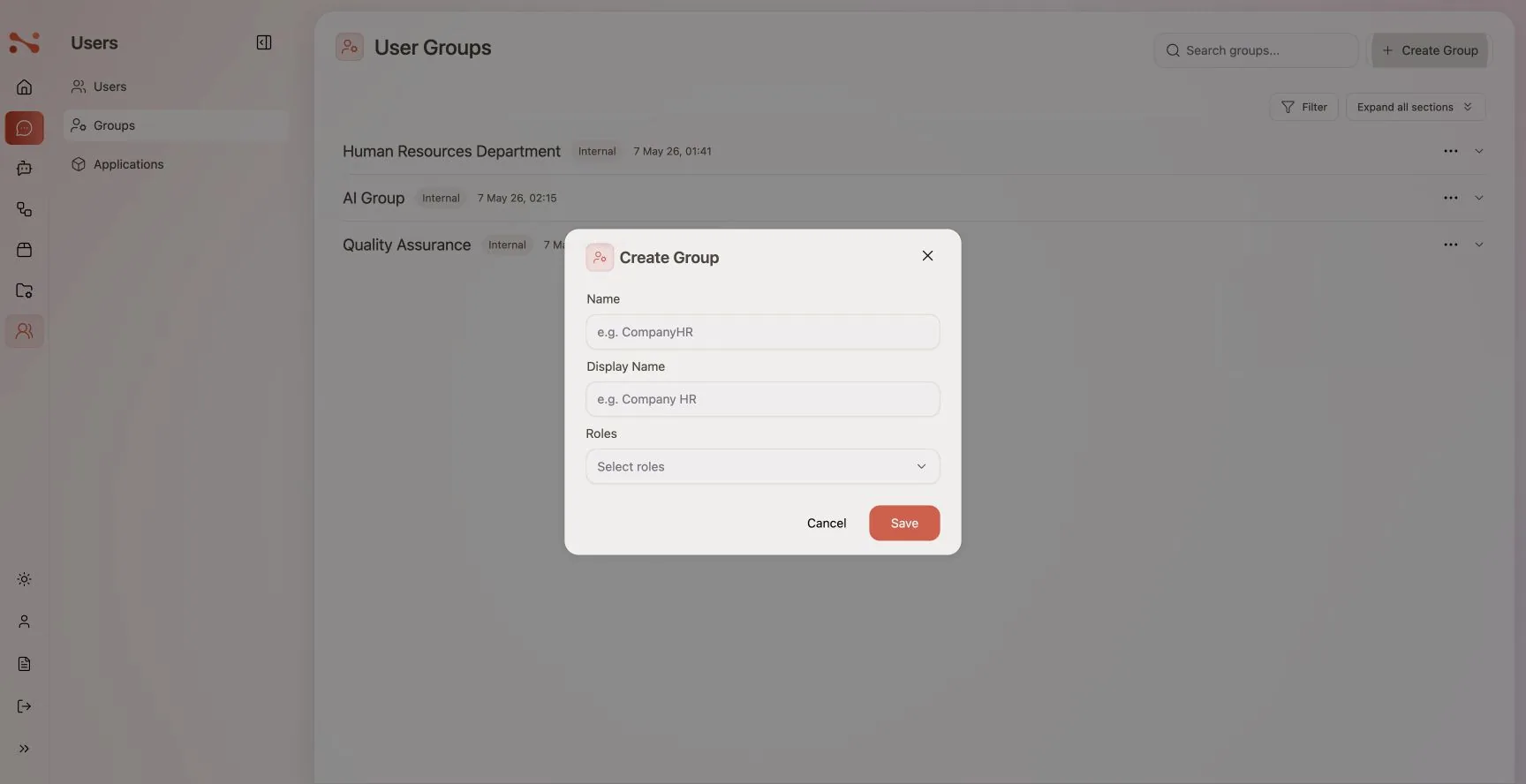
Use the group create action to enter the group's details. Open an existing group to edit its details, manage membership, or configure its roles. Available actions depend on your permissions and the group's type.
Membership
Open a group's members view to inspect its users. Use the add-members action to choose users, and remove membership when a user should no longer belong to that group. Removing membership is separate from deleting the user's account.
Roles and shared resources
A group's organization roles contribute to its members' effective permissions. Resource sharing is a separate layer: assistants, workflows, and sources can grant access through their sharing controls.
Review roles, sharing, and permission troubleshooting before changing access.