Ingestion Queue
The Document Processing Queue on the Sources Dashboard shows documents that are actively being processed or have failed ingestion. Admins can retry failed documents without leaving the dashboard.
Location: /sources/dashboard → Document Processing Queue section
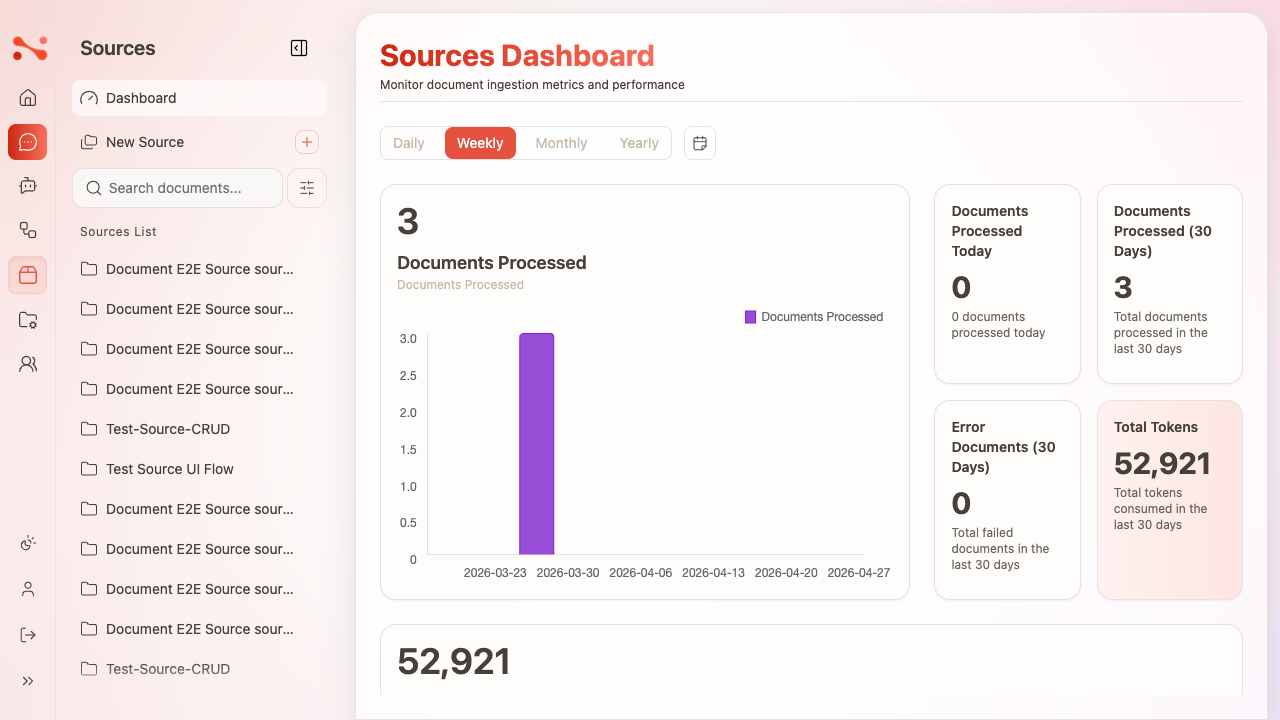
Queue tabs
| Tab | Description |
|---|---|
| Failed N | Documents that failed ingestion. Retry is available. |
| Waiting N | Documents currently queued for the backend to process. |
Queue table columns
Both tabs share the same column layout:
| Column | Failed state | Waiting state |
|---|---|---|
| Document ID | UUID link → document detail page | UUID link → document detail page |
| Source | Source code link → source detail page | Source code link → source detail page |
| Last Update | Timestamp of last failed attempt | Timestamp of when Retry was clicked |
| Attempts | Count of failed ingestion attempts | Numeric count (represents retry queue entry) |
| Actions | Retry button (icon) | Empty — no actions while waiting |
Retry a failed document
- Navigate to
/sources/dashboard. - In the Document Processing Queue, ensure the Failed tab is selected.
- Locate the failed document row.
- Click the Retry button in the Actions column.
- The document immediately disappears from the Failed table.
- The Failed counter decrements and the Waiting counter increments in real-time.
- Switch to Waiting to confirm the document is now queued.
No page refresh is needed — the counter update is synchronous.
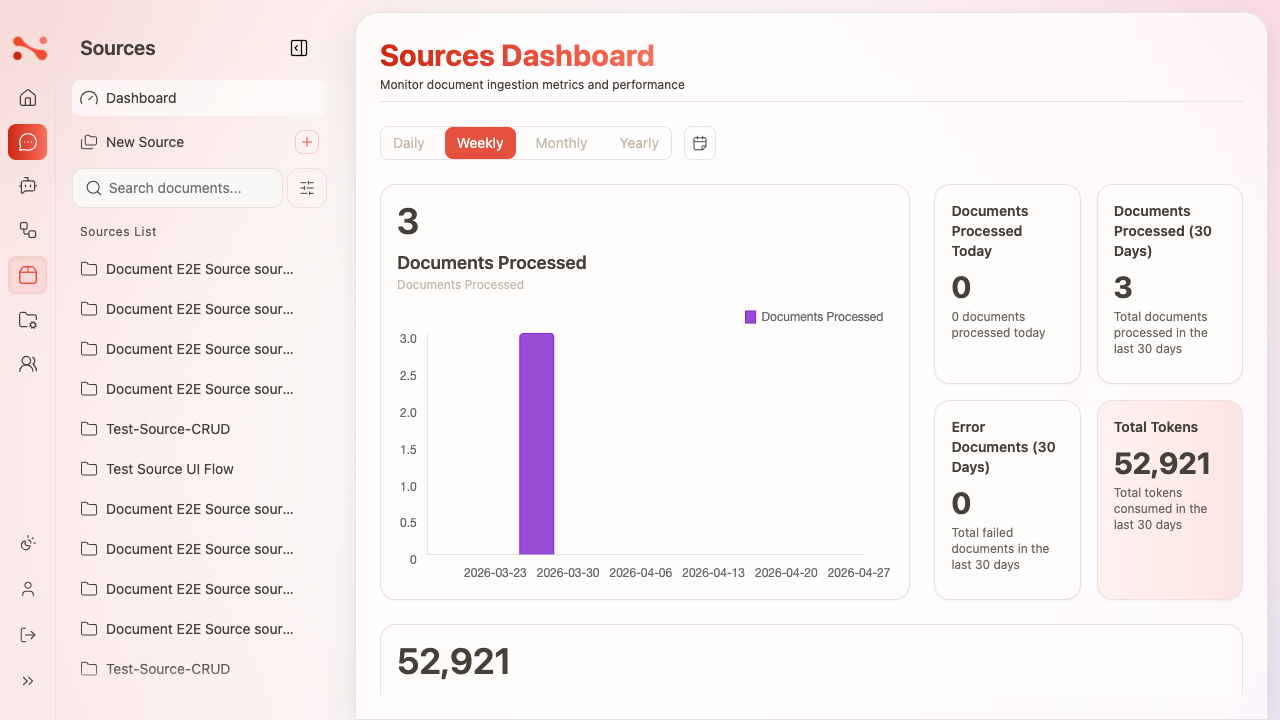
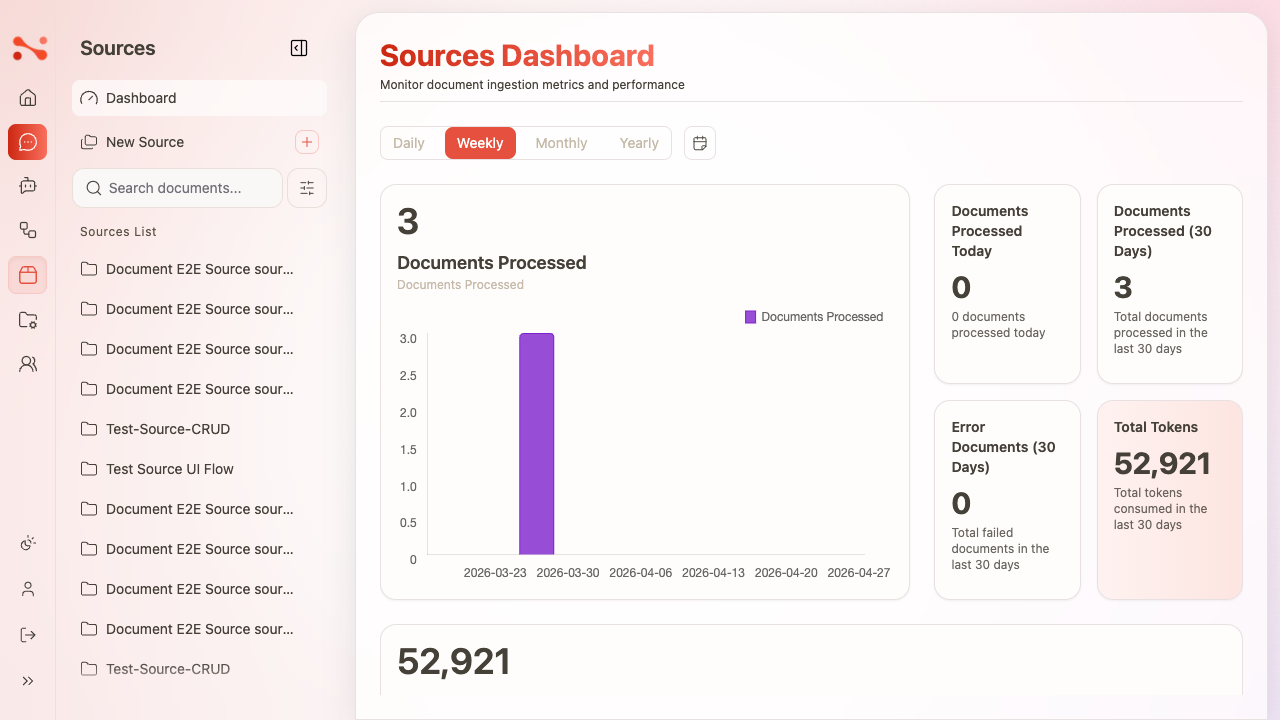
Empty states
| State | Message |
|---|---|
| Failed tab, zero items | "No failed documents" — grid not shown |
| Waiting tab, zero items | "No documents waiting for processing" — grid not shown |
State transitions
Failed (Attempts: N)
  → [Retry clicked]
  → Waiting (Last Update: now)
  → [Backend processes — succeeds]
  → Removed from queue

  OR

  → [Backend processes — fails again]
  → Failed (Last Update: now, Attempts: N+1)
Business rules
| Rule | Behaviour |
|---|---|
| Retry moves to Waiting | Immediately; no page refresh needed |
| Queue counts update in real-time | Failed/Waiting counters reflect the change synchronously |
| Last Update updates on Retry | Shows the time Retry was clicked, not the original failure time |
| No Retry in Waiting state | Actions cell is empty while the document is queued |
| Attempts value | Displayed for both Failed and Waiting states |
| Document ID is always a link | Navigates to /sources/{sourceCode}/{documentId} |