Manage application identities
Application identities represent service integrations. Administrators manage them under Users → Applications at /users/applications.
Register an application
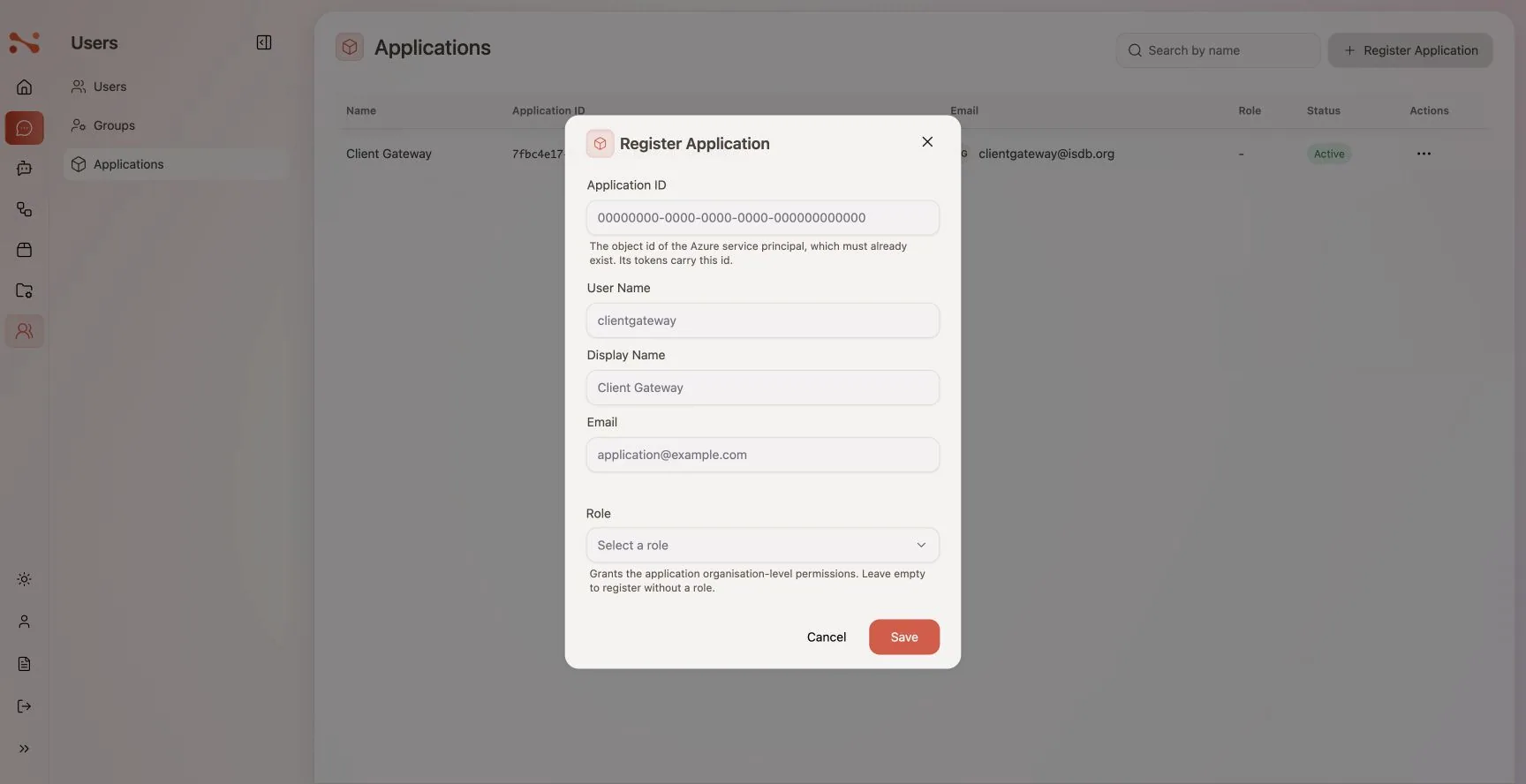
- Configure the application in Microsoft Entra with your administrator.
- Open Applications in Noema and choose the create action.
- Enter its identity ID, username, display name, and email address.
- Select an assignable organization role and save.
The ID must be a GUID. The username must begin with a letter and contain letters, digits, or underscores; it must contain at least two characters. The form requires a display name and email address.
Noema registration maps the service identity into the application's authorization system. It does not issue an API key or create Microsoft Entra credentials.
Edit and authorize
Open an application's edit action to update its display name, email address, or assigned role. Choose a user-type organization role offered by the form. The system application role is not an assignable organization relation.
Give the integration only the organization and resource access its tasks require. See server integration for Bearer token authentication and roles and permissions for access rules.